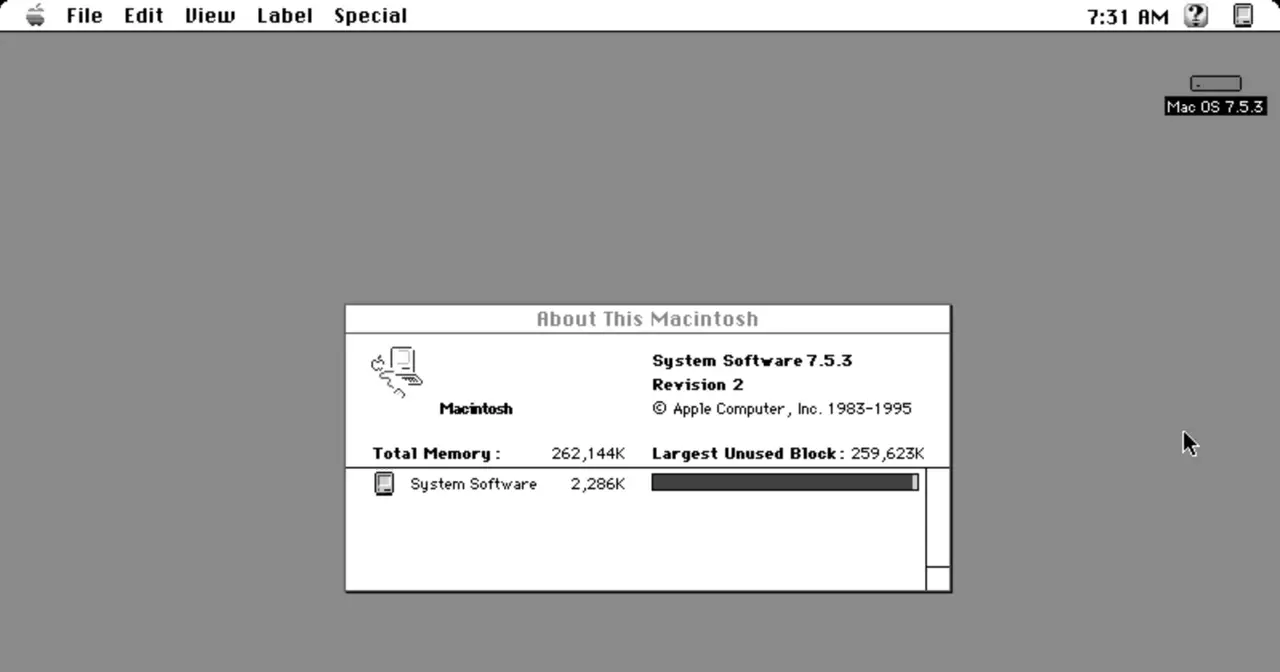
The first Macintosh shipped on January 24, 1984, and it brought something almost no one had on their desk: an operating system you drove entirely with a mouse, with overlapping windows, icons and a trash can. That software went by the plain name “System Software” for years. We now call it the classic Mac OS, the family of systems Apple kept going from 1984 until 2001, ending with Mac OS 9.
Origins: Apple, Lisa and the graphical interface
System 1 didn’t appear out of thin air. Many of its ideas came from the Apple Lisa, the machine Apple had released in 1983 with a pioneering graphical interface that drew on research at Xerox PARC. The Macintosh took that concept, made it affordable and put it within reach of a wide audience.
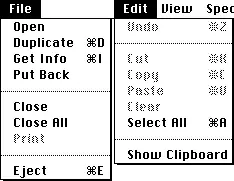
That first system already had the Finder, the top menu bar, keyboard shortcuts, the clipboard and the Trash. It’s striking how many of those elements are still alive in modern macOS more than forty years later.
From System 1 to System 6: one task at a time
The earliest versions had a real catch: they ran one application at a time. The Macintosh 512K brought the Switcher, an extension that kept several programs loaded in memory, though you couldn’t see them all at once.
The real leap came with System 5 and its MultiFinder, a cooperative multitasking extension that finally let the windows of several programs sit layered over the desktop. System 6, released in 1988, settled that era and served for years as the stable reference version for many users.
One technical caveat is worth spelling out: the classic Mac OS never had true preemptive multitasking. Cooperative multitasking relied on each program voluntarily yielding control, and if an app hung, it could take the whole system down with it. That catch wasn’t solved until Mac OS X arrived with a Unix-style core, quite different from systems like NeXTSTEP, which was the very foundation Apple built its future on.
System 7: the big leap of 1991
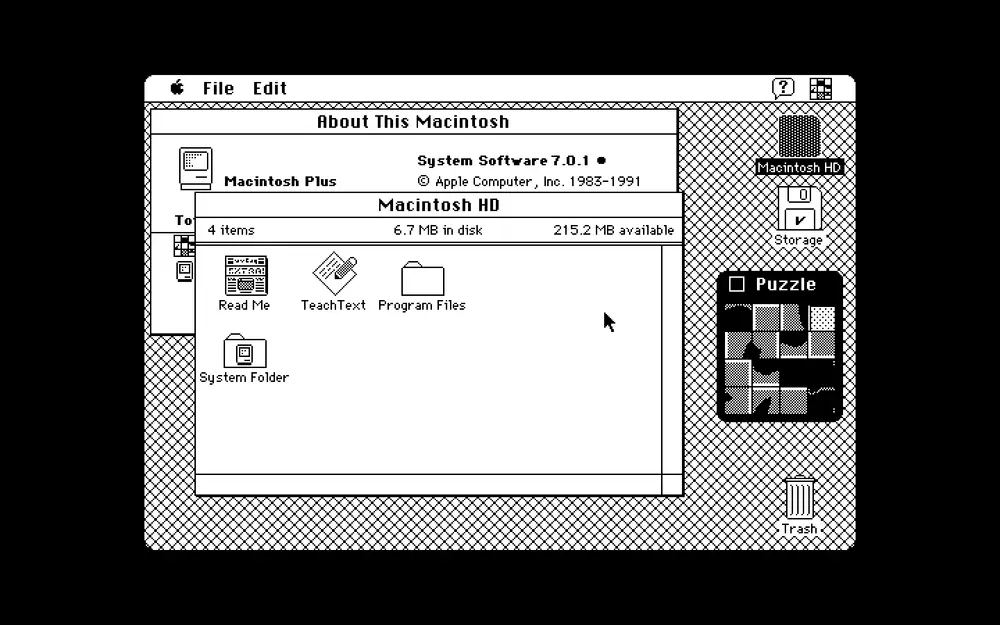
System 7 came out on May 13, 1991, and it was probably the most important revision of the entire classic era. It folded MultiFinder straight into the OS, added 32-bit addressing, virtual memory, file aliases, network file sharing and a much richer use of color in the interface.
It also reinvented the Trash. From System 7 on it became a special hidden folder, so files stayed there across reboots until you chose “Empty Trash.” Before that, deleted items were wiped when you shut the machine down.
Mac OS 8 and 9: closing an era
In 1997, with version 8, Apple dropped the word “System” from the name. Mac OS 8.1 brought the HFS+ file system, which would stay in use for decades. Mac OS 8.5 swapped much of the old 68k code for native PowerPC code, gaining speed and stability.
The final chapter came with Mac OS 9, released on October 23, 1999. It added features that hinted at what was coming: multiple user accounts, the password keychain, Software Update, file and printer sharing, CD burning (in 9.1) and Unix volume support. The last update, 9.2.2, shipped on December 5, 2001, closing out 17 years of history.
Quirks of the classic Mac
Behind those black-and-white pixels sat a lot of cleverness. Designer Susan Kare created the Mac’s visual personality: the smiling “Happy Mac” that appeared on a successful boot, the wristwatch when the system was busy, and the famous bomb with a lit fuse that warned of a serious error.
That System 1 trash can was just a 32x32-pixel black-and-white icon, and it didn’t even “bulge” when you dropped something into it. That animation didn’t arrive until System 4 in 1987. Small details that show how much care Apple put into making a computer feel approachable and human.
Set against rivals of the time such as OS/2 or the MS-DOS and Windows world, the classic Mac bet from day one on a coherent graphical experience. That philosophy is the direct legacy we still recognize in any Mac today.