Few operating systems have left a mark as deep as Windows XP. Released in 2001, it became the face of the personal computer for well over a decade, and millions of users still remember it fondly. Its name, in which “XP” stands for “experience”, promised exactly that: a simpler, friendlier way to use a PC.
Origins: from Neptune to Whistler
In the late 1990s, Microsoft maintained two very different Windows families. On one side sat the home line (Windows 95, 98 and Me), built on top of MS-DOS and prone to the infamous blue screens. On the other was the robust professional branch based on the Windows NT kernel, which culminated in Windows 2000.
The plan was to merge them. An early consumer project with an NT kernel, codenamed “Neptune”, and a separate business effort were both scrapped in January 2000 so Microsoft could focus on a single system codenamed “Whistler”, after the Canadian ski resort. That unified system was unveiled publicly on 5 February 2001 as Windows XP. At last, consumers and businesses would share the same technical foundation, far more stable than the ageing MS-DOS that had underpinned the home line for years.
Launch and the Luna interface
Windows XP was completed (RTM) on 24 August 2001 and reached stores on 25 October that year. The first thing that caught the eye was its look: the Luna visual style, with rounded buttons, a blue taskbar and the iconic green Start button. It was a radical departure from the sober grey of earlier releases.
Alongside the new style came features inherited from Windows Me, such as System Restore and the Help and Support Center, plus Internet Explorer 6 and a refreshed version of Windows Media Player. The blend of NT stability with a friendly face won over the public almost instantly.
Key versions and Service Packs
XP shipped in several editions. The two best known were Home Edition, aimed at households, and Professional, with networking and security features designed for businesses. There were also 64-bit editions, a Media Center Edition for the living room and a Tablet PC Edition.
Its evolution was measured in large update bundles:
- Service Pack 1 (September 2002): early fixes and support for USB 2.0.
- Service Pack 2 (August 2004): arguably the most important, hardening security with the Security Center, a firewall enabled by default and buffer-overflow protection.
- Service Pack 3 (April 2008): the last major bundle, gathering accumulated improvements.
The longevity of XP
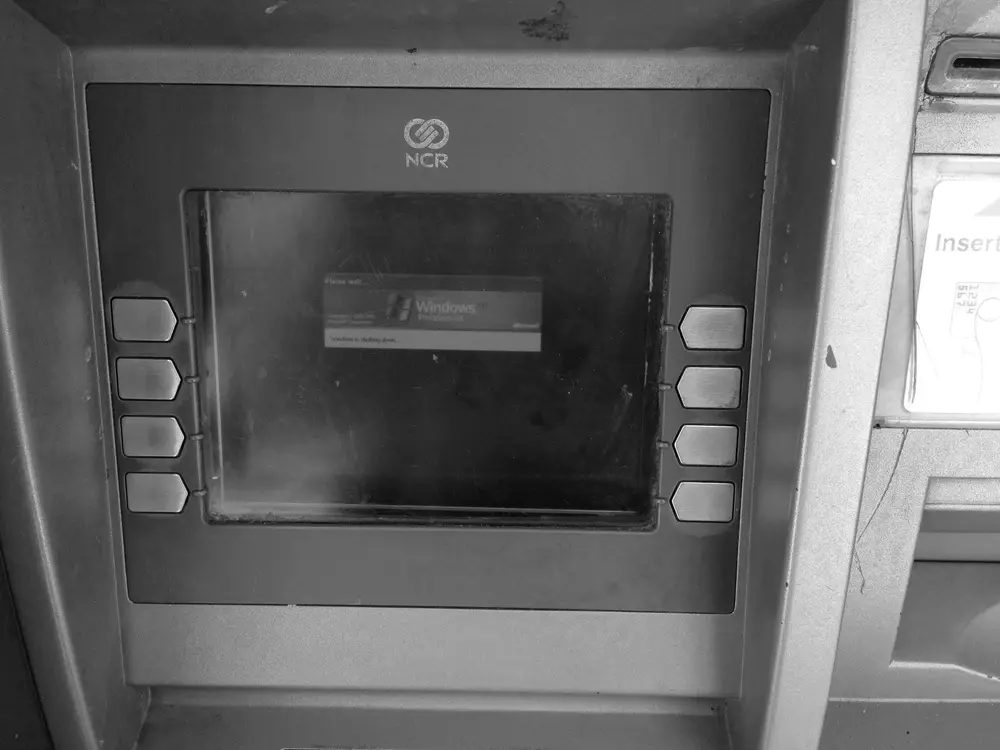
Here lies one of XP’s great legends: its astonishing durability. Mainstream support ended on 14 April 2009, but extended support stretched all the way to 8 April 2014, nearly thirteen years after launch. For a long time it kept running inside cash machines, point-of-sale terminals and industrial equipment, forcing Microsoft to keep it alive longer than planned.
This resilience echoes that of other long-lived systems such as IBM’s OS/2 or the various Linux distributions, which also found niches where they stayed active for decades.
Curiosities: the Bliss wallpaper and other tales
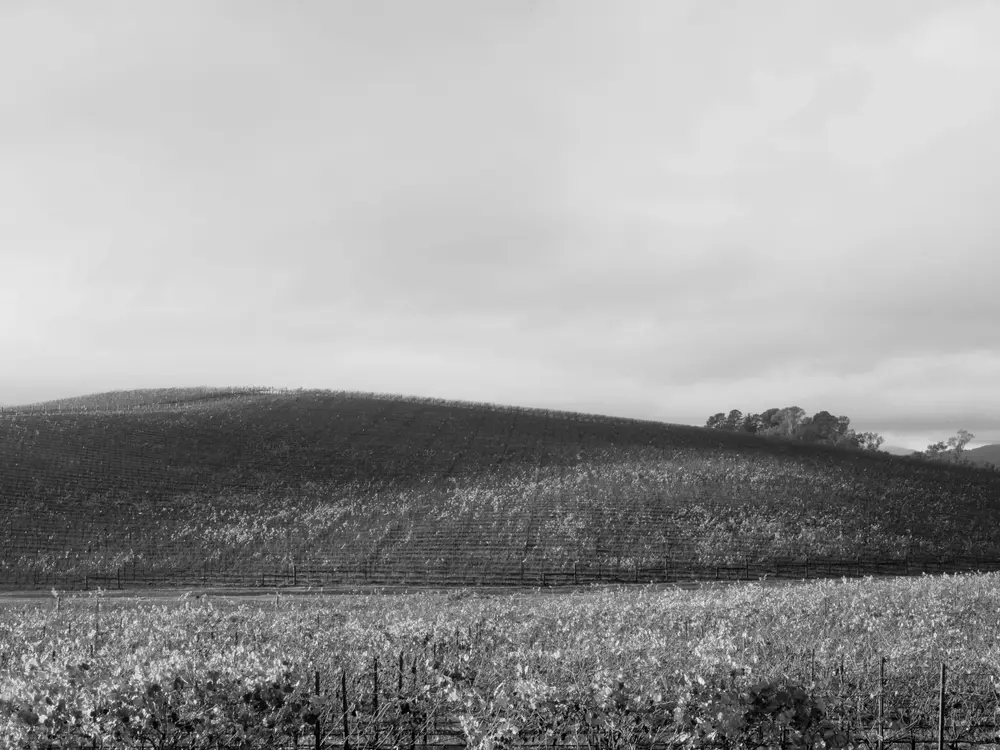
The most viewed image in the world may well be XP’s default wallpaper, called Bliss: that green hill under a blue, cloud-dotted sky. The photograph is genuine, not a digital composite. It was taken in January 1996 by photographer Charles O’Rear, a former National Geographic contributor, near the boundary between Napa and Sonoma counties in California, using a Mamiya RZ67 camera and Fujifilm Velvia film. O’Rear has always insisted he did not retouch it.
Microsoft acquired full rights in 2000 and, according to the photographer himself, paid him the second-largest sum ever given to a photographer for a single image, though a confidentiality clause prevents him from revealing the exact figure.
Another technical tidbit: although its commercial name was “XP”, internally it was Windows NT 5.1, making clear it was the direct heir of Windows 2000 and the whole NT family.
A lasting legacy
Windows XP shaped an entire generation. Its success was such that successors like Windows Vista struggled to displace it, and many users clung to it well into the 2010s. Today it lives on through nostalgia, virtual machines and retro projects, a reminder that simple and stable sometimes ages best. Anyone wanting to relive that transitional era from the old MS-DOS toward modern systems will find XP a key piece of computing history.