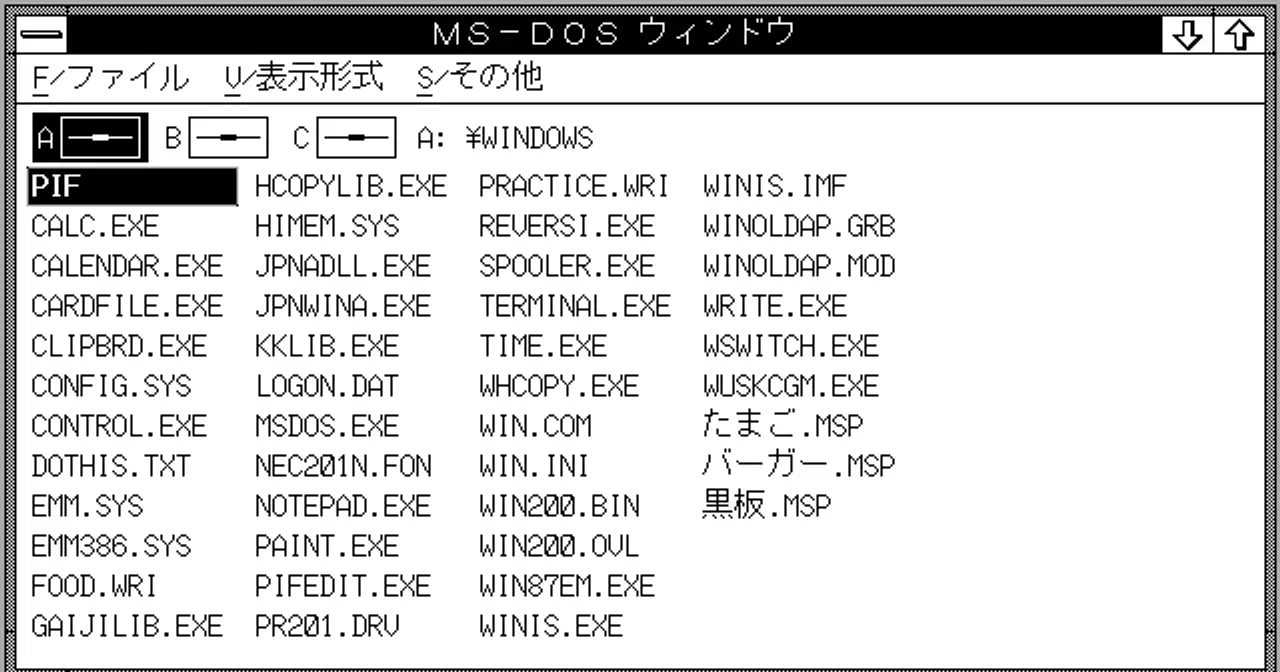
Windows 1.0 was Microsoft’s tentative first experiment with graphical interfaces. Windows 2.0 was the first release that actually started to feel usable. It launched on December 9, 1987, packed with changes we now take for granted: overlapping windows, desktop icons, and keyboard shortcuts. It never became a runaway commercial hit, but it laid the groundwork for everything that came after.
From Tiled Windows to Overlapping Windows
The big leap in Windows 2.0 was conceptual. Windows 1.0 arranged windows in a tiled layout: they couldn’t overlap and simply split the screen like floor tiles. That limitation was partly meant to sidestep legal trouble with Apple, and it made the interface feel rigid and unnatural.
Windows 2.0 dropped that approach. Windows could finally overlap and be resized freely, stack on top of one another, minimize or maximize. Desktop icons showed up too, along with support for more colors. The result came much closer to the model we still use today in Windows, where applications float and pile up like papers on a desk.
Keyboard Shortcuts: Productivity Before the Mouse
In 1987 the mouse was still an exotic peripheral for many MS-DOS users, who were used to working entirely from the keyboard. Windows 2.0 took that to heart and added a system of keyboard shortcuts so you could run the environment without lifting your hands off the keys.
Combinations like Alt+Tab, which cycles through open windows, were born in this era and have survived almost unchanged to this day. Always offering a keyboard alternative to every mouse action became a hallmark of Windows.
Two Flavors: /286 and /386
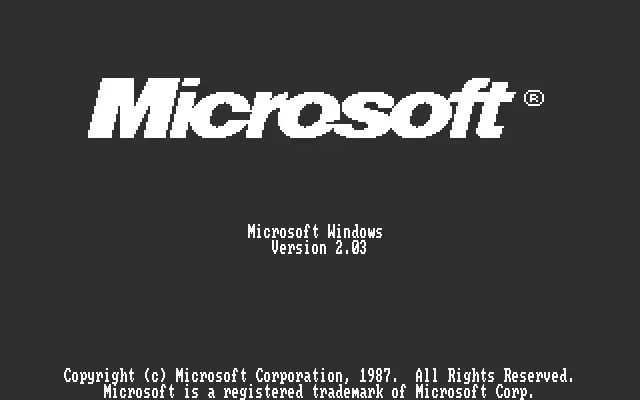
Windows 2.0 wasn’t a single product but two variants tailored to the hardware of the day. The basic edition ran in real mode on 8086 processors and was later renamed Windows/286 to reflect its optimization for Intel’s 80286 chips.
The other variant, Windows/386, was the more interesting one. It used the 80386 processor’s protected mode to run several DOS applications at once in windows, each in its own virtual memory space. Oddly enough, Windows/386 reached the market a bit earlier, shipping in September 1987 alongside the Compaq DeskPro 386. Both lines evolved into Windows 2.1 (also branded Windows/286 and Windows/386) in May 1988.
Apple’s “Look and Feel” Lawsuit
Here comes the great historical curiosity. On March 17, 1988, Apple sued Microsoft (and Hewlett-Packard), accusing them of infringing copyrights on the Macintosh software. Apple’s argument was bold: it claimed the “look and feel” of the Mac, its overall appearance and behavior, the icons, the overlapping windows, was protected by copyright, and that Windows 2.0 had copied it.
The case dragged on for years and became a landmark in software history, because it raised a thorny question: can you copyright the appearance of an interface? In the end the courts ruled in Microsoft’s favor. The irony is that many of those visual ideas originally came from Xerox PARC, just as NeXTSTEP and other graphical environments of the era drew from the same well.
The Birthplace of Word and Excel for Windows
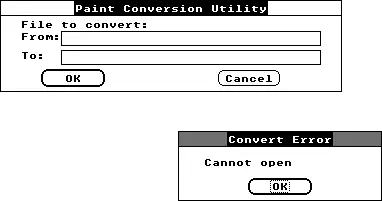
An operating system needs applications that justify it, and Windows 2.0 was exactly the stage where two Microsoft heavyweights made their debut. The first Windows versions of Word and Excel shipped on this environment to show what the platform could do and to get other developers to bet on it.
Excel especially found fertile ground in Windows: a graphical spreadsheet was far more comfortable than its text-mode rivals. Those early versions planted the seed of what would become Microsoft Office, one of the most profitable software franchises in history.
A Bridge to the Future
Windows 2.0 was never a smashing sales success. It coexisted with a world dominated by PC-DOS and the command line, and underneath it still depended entirely on DOS. But its importance is undeniable: it introduced the visual language Windows would use for decades, set the stage for Windows 3.0 (1990) to truly take over the market, and starred in one of the most famous lawsuits in computing. Looking at Windows 2.0 today means peering at the exact moment when the graphical desktop began to resemble the one in front of us.