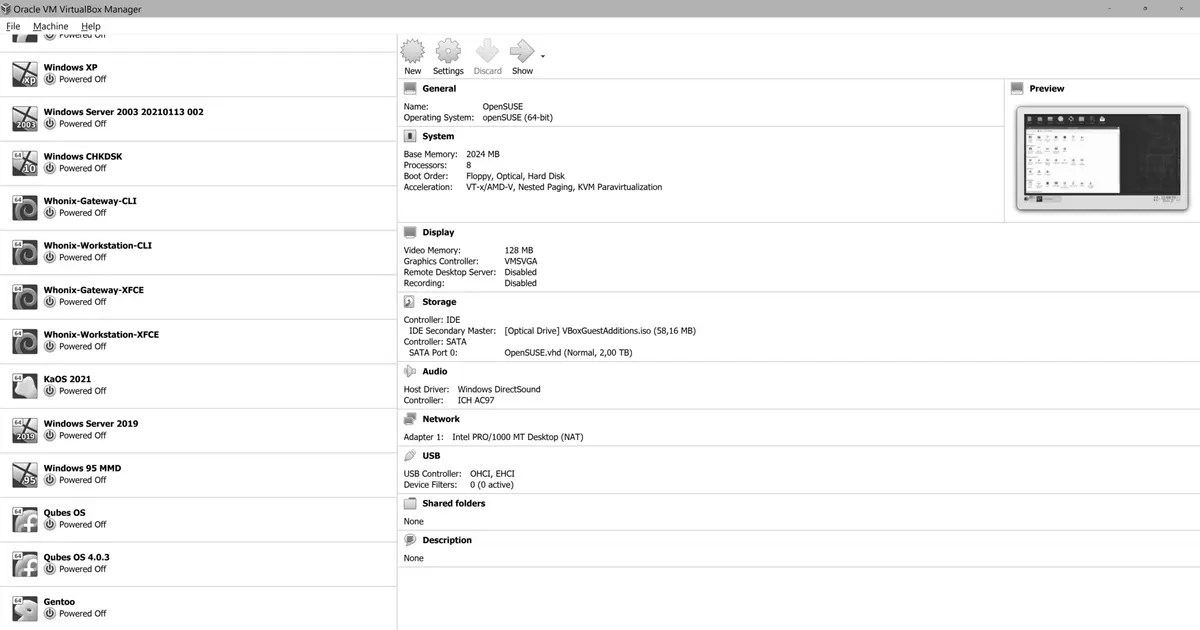
Oracle released VirtualBox 7.2.10 on June 16, 2026. It’s a maintenance release for the 7.2 branch, and two of its fixes matter directly to anyone running VirtualBox for desktop virtualization on macOS hosts, plus anyone working with virtio storage. Neither is a security fix. Both are stability and device-compatibility corrections.
USB on headless VMs with Apple Silicon
The 7.2 changelog puts it plainly: “Fixed issue when it was not possible to attach USB device to headless VM on Apple Silicon/macOS 26.4.1”. On Apple Silicon Macs running macOS 26.4.1, before this release you couldn’t attach a USB device to a virtual machine started in headless mode (no GUI, typically launched with VBoxHeadless or VBoxManage startvm --type headless).
That matters if you automate VMs on an Apple Silicon Mac and need to pass a physical device (a license dongle, a card reader, a serial adapter) to a guest running in the background. Through 7.2.9 that step failed on macOS 26.4.1. With 7.2.10 USB attachment works again on headless VMs too. If you have scripts or services that depend on it, updating fixes the problem without changing the VM configuration.
VIRTIO-SCSI recognized as an SSD
The second fix concerns the VIRTIO-SCSI storage controller: “Fixed issue when VIRTIO-SCSI device was not recognized as SSD device by guest system”. Previously a disk attached over VIRTIO-SCSI was presented to the guest as if it were a spinning disk, even when the backing store was an SSD.
This isn’t cosmetic. The guest tunes its behavior based on what it thinks it’s running on. When it detects an SSD, it usually disables scheduled defragmentation, enables or adjusts block discard (TRIM/discard), and changes I/O scheduling. When the guest believes it’s a rotational drive, it applies optimizations meant for platters that make no sense on flash and can hurt performance. With 7.2.10 the VIRTIO-SCSI device advertises itself correctly as an SSD, so the guest can make the right calls.
Who should care
If you run VirtualBox on an Apple Silicon Mac, especially with headless VMs and USB devices, this update is worth taking. Same goes if you configure virtual disks with VIRTIO-SCSI on flash storage and want the guest to behave accordingly.
7.2.10 ships more changes across VMM, EFI/ARM, networking and Guest Additions. One of the more relevant for Linux users is the initial Linux kernel 7.1 support in the Guest Additions. Updating works as usual: download the package from the VirtualBox site or the Oracle repository, then reinstall the Guest Additions in each guest after updating the host.