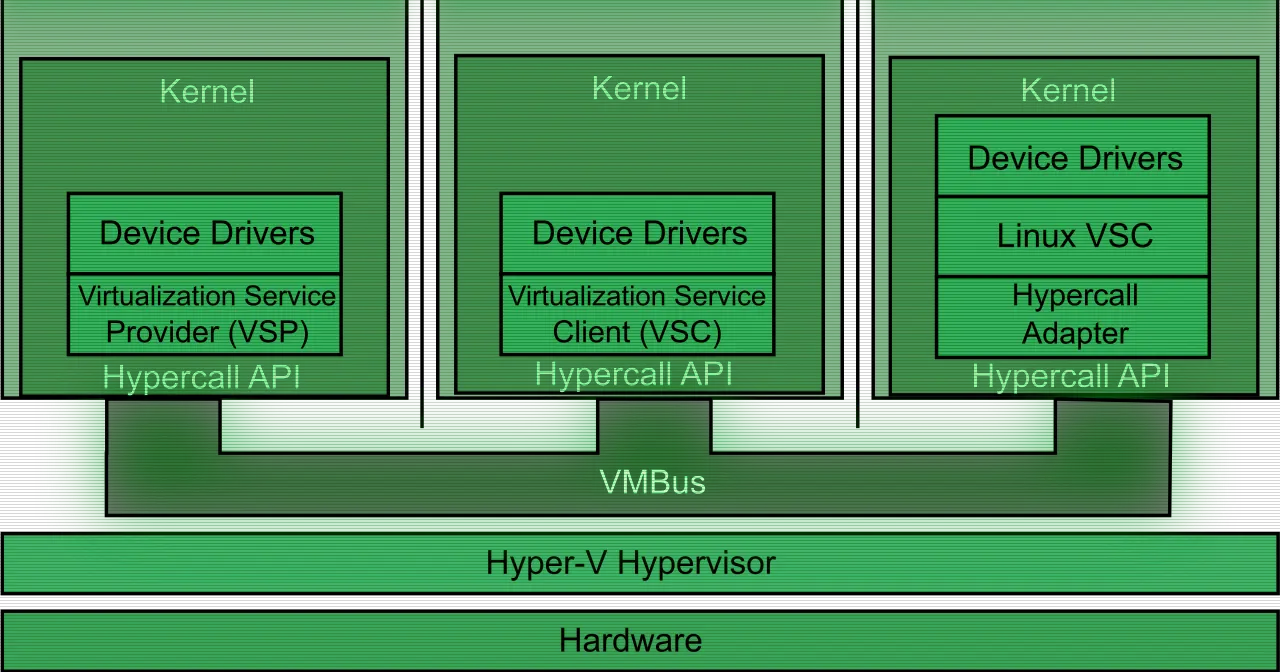
Nested virtualization is a feature that lets you run Hyper-V inside a Hyper-V virtual machine. A VM stops being just a guest and becomes able to host its own virtual machines.
This works because modern processors carry hardware features that make virtualization faster and more secure, such as Intel VT-x and AMD-V. Hyper-V depends on those extensions to run its VMs. Without nesting, the hypervisor takes full control of those capabilities and never exposes them to the guest operating system. Turn nested virtualization on and Hyper-V exposes the hardware virtualization extensions to its VMs, so a guest can install its own hypervisor and run guests of its own.
Who it’s for
Microsoft’s documentation lists a few concrete cases where it pays off:
- Running applications or emulators inside a nested VM.
- Testing software releases on VMs before they reach production.
- Cutting deployment times for training environments.
- Using Hyper-V isolation for containers.
It fits test labs and evaluation environments especially well. You can tweak configurations easily and rely on saved states to revert to a specific setup. Since a lab rarely needs the same SLA as production, you skip standing up physical hardware just to rehearse.
Several scenarios are supported in production, both on Azure and on-premises: Hyper-V VMs on Hyper-V VMs, Hyper-V isolated containers running nested, and WSL2 inside a Hyper-V VM that itself runs nested. Microsoft supports one level of nesting in production, which is exactly what an isolated container deployment needs. Even so, it recommends confirming that your own services and applications are supported in that arrangement.
What behaves differently
Nested virtualization carries limitations worth knowing before you build a lab:
- Memory. When Hyper-V runs inside a VM, that VM must be turned off to adjust its memory. Even with dynamic memory enabled, the amount doesn’t fluctuate. Enabling nesting by itself has no effect on dynamic memory or runtime memory resize. For a VM without dynamic memory, trying to adjust RAM while it’s running fails. The incompatibility only shows up while Hyper-V is running inside the VM.
- Other hypervisors. Virtualization applications other than Hyper-V aren’t supported inside Hyper-V VMs and are likely to fail. That covers any software that needs hardware virtualization extensions.
- Performance. Microsoft advises against nested virtualization for Windows Server Failover Clustering and for performance-sensitive applications. When an isolated container runs nested there are two hypervisor layers above the physical host, which adds latency to start-up, storage, network, and CPU operations.
Where it fits in a virtualization setup
If you manage a fleet of Hyper-V hosts, nested virtualization saves hardware: a single physical host can hold full labs where each VM acts as a host in turn. It’s the natural way to test a cluster, rehearse a migration, or train a team without touching real infrastructure.
The concept isn’t exclusive to Microsoft. Platforms such as Proxmox VE allow nesting hypervisors with a similar approach, exposing CPU extensions to the guest VM. If you work across platforms the pattern is familiar; the differences sit in each one’s support boundaries and limitations.
Azure Local deserves a separate note: it’s designed and tested on validated physical hardware. It can run nested in a VM for evaluation, but production environments in a nested configuration aren’t supported.