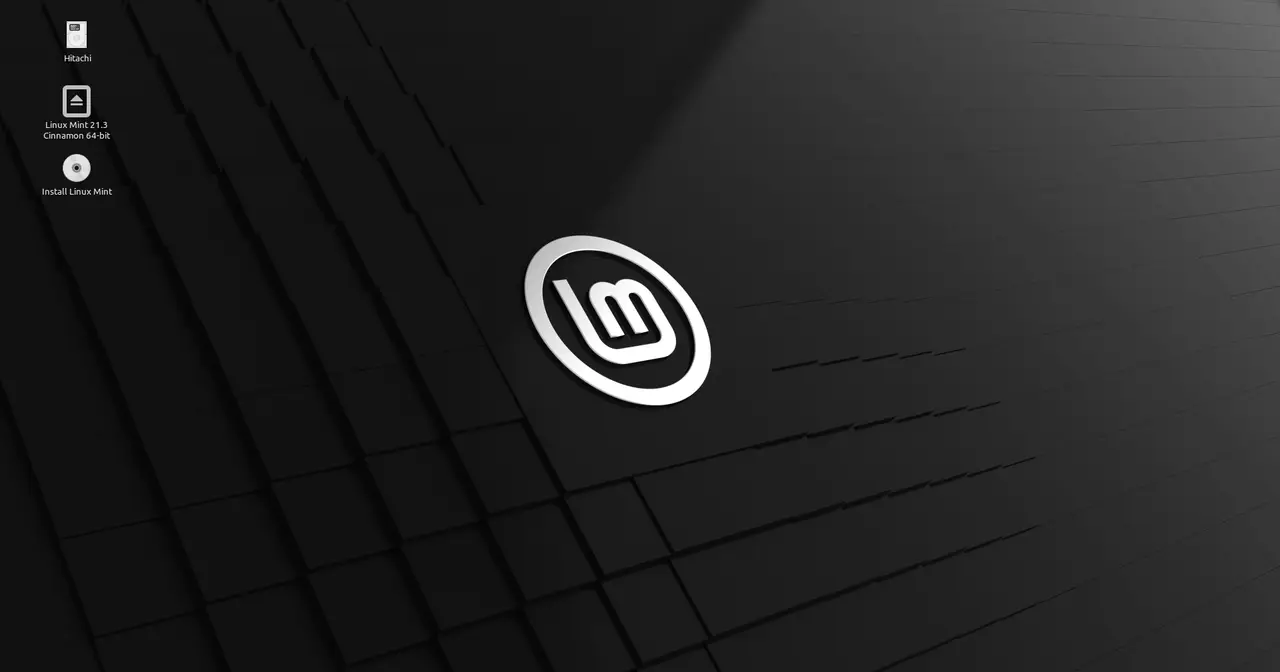
Few Linux distributions can claim what Linux Mint pulled off in less than two decades: becoming the natural landing spot for millions of people leaving Windows in search of a desktop that simply works. The project started out smoothing the rough edges of Ubuntu and ended up carving its own path, with an identity you won’t mistake for anything else.
The Origins: A French Project in 2006

Clément Lefèbvre created Linux Mint in 2006. From day one his goal was clear and, for the time, fairly unusual among technical projects: he was chasing elegance. For Lefèbvre that meant ease of use, listening to what users asked for, and sweating aesthetic details like colour schemes and layout.
The first release, Mint 1.0 “Ada”, showed up in 2006 as a beta based on Kubuntu, running on the KDE desktop. A modest, almost experimental start, but the seed of everything that came next was already there. Mint quickly settled on a charming naming convention for releases: female names ending in “a”, ordered alphabetically. The tradition holds to this day.
Barbara and the Shift to Ubuntu
The real turning point came with Mint 2.0 “Barbara”, the first version to take Ubuntu as its base, specifically Ubuntu 6.10, picking up its repositories and its GNOME interface. That choice mattered: tying Mint to the Ubuntu world opened the door to a huge software catalogue, frequent updates, and the stability of a solid foundation built, in turn, on top of Debian.
Mint still had few users, but things started moving with Mint 3.0 “Cassandra”, when the distribution finally gathered a community worth talking about. The pitch was easy to grasp: take the best of Ubuntu, add multimedia codecs and useful applications out of the box, and present it all with a more polished, friendly finish.
The “Ready Out of the Box” Philosophy
If anything set Mint apart from the other derivatives, it was its obsession with the immediate experience. Where other systems told you to install media players, plugins, or drivers by hand, Mint preferred to ship much of that work already done. Playing a video, listening to music, or browsing without hiccups worked practically the moment you booted.
That approach made it the go-to pick for beginners and, above all, for people coming from Windows. The traditional desktop, with its menu, taskbar, and system tray, felt familiar and didn’t force anyone to relearn how to use a computer. For many users, Mint was their first positive experience with free software.
The Birth of Cinnamon
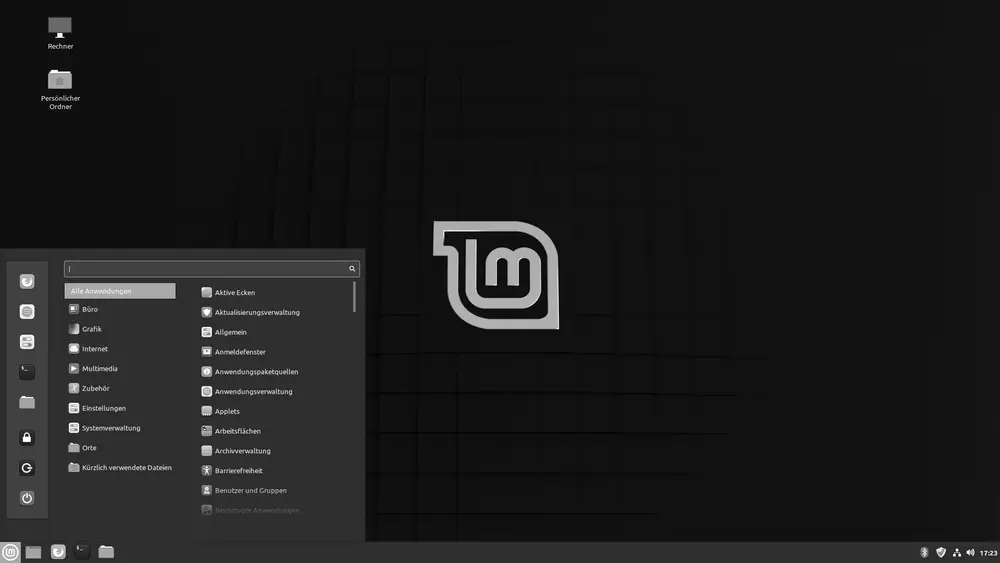
In 2011 the Linux desktop world took a real jolt. The arrival of GNOME 3 and its new GNOME Shell interface broke with the classic desktop that many users cherished. The Mint team didn’t buy into that direction, and they reacted.
First came the Mint GNOME Shell Extensions (MGSE), included in Mint 12 “Lisa” in late 2011 to bring back a more traditional experience on top of GNOME 3. That experiment grew into Cinnamon, a full fork of GNOME with a modern desktop but the familiar classic layout. Alongside it, the project also pushed MATE, the direct continuation of the old GNOME 2. Today Mint ships in three official flavours: Cinnamon (the flagship), MATE, and XFCE, the last one perfect for modest hardware.
LMDE: A Safety Net on Debian
Well aware of how much it leaned on Ubuntu, the project built LMDE (Linux Mint Debian Edition), a variant that skips Ubuntu and sits directly on Debian stable. LMDE does two things: it offers an alternative closer to the source and it works as a fallback plan. If Ubuntu were ever to disappear or change course, the Mint team could carry on with Debian without starting from scratch.
That pragmatism captures the project’s character nicely: think long term and put the user’s continuity first. Anyone after a base even closer to the roots of free software will find in Debian the rock that much of this whole thing rests on.
A Benchmark for the Linux Desktop
Today Linux Mint sits, year after year, among the most recommended and downloaded distributions in the world. Its success doesn’t come from groundbreaking inventions, but from something hard to pull off: making Linux simple, pleasant, and reliable. Next to options aimed more at enthusiasts like Arch or Fedora, Mint plays the friendly gateway.
Its history makes one thing plain: elegance and ease of use, far from being minor details, can hold up a project that lasts. From that modest 2006 fork to today’s reference point for the free desktop, Mint has stayed true to the vision Clément Lefèbvre had from the start: putting the user at the centre of everything.