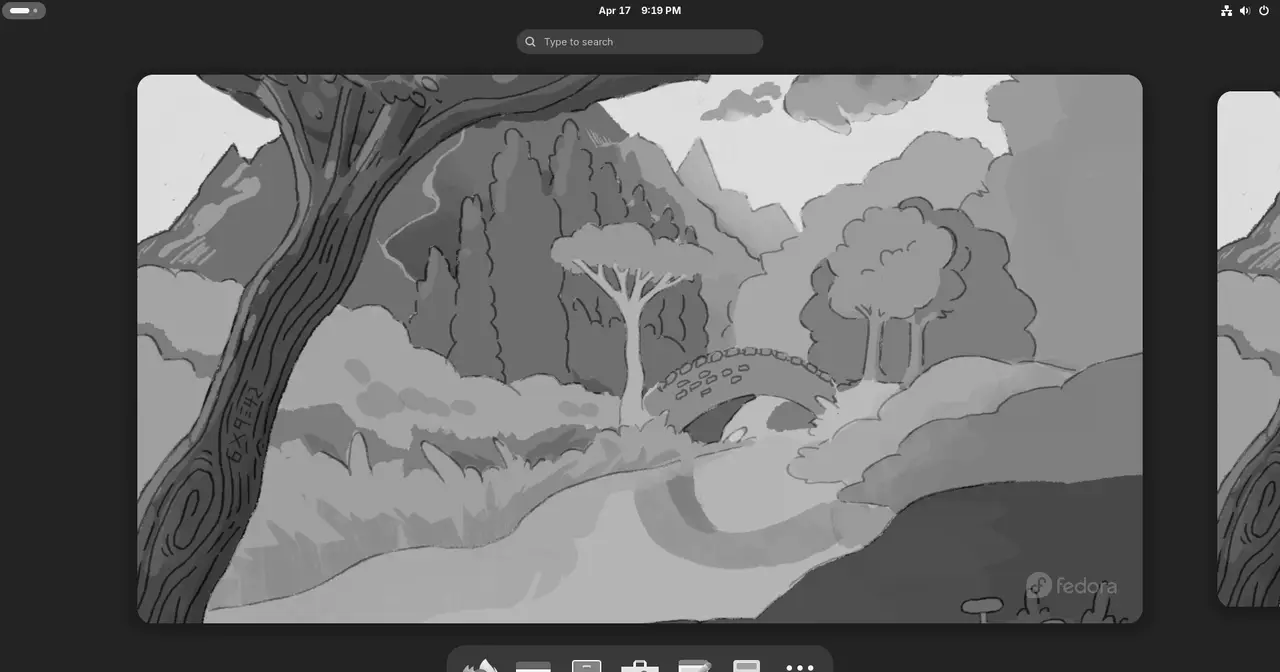
The GNOME Project has released GNOME 50.2, the second maintenance update to the GNOME 50 desktop series. It arrived after a two-week delay and lands almost two months after GNOME 50.1, fixing bugs and bringing a handful of tweaks across the desktop’s core components and apps.
The headline change is about screen recording. GNOME 50.2 adds rate control parameters to the VA-API H.264 screencast pipelines, so the encoder no longer falls back to its default bitrate. The result is a more controlled output when you record your screen with hardware acceleration. On the login screen, you can now open the session and accessibility menus with either the left or right mouse button, instead of being stuck with a single one.
Three fixes stand out in everyday use. The “Install Updates” checkbox no longer shows up in the Power Off/Restart dialog when there are no updates to install. The autorun notification for connected USB drives has been corrected. And the spinner in Activities Overview search no longer resets on every key press.
Under the hood, several components got their own round of changes:
- Mutter 50.2 gains support for version 2 of the
text_input_v3Wayland protocol, which lets input methods send and manage text inside apps. It also handles edge-tiled windows better in full-screen mode, can scale the hotspot location for tablets, and brings various multi-monitor improvements. - Nautilus (Files) 50.2.2 can open multiple files with different extensions at once, flushes search results based on time rather than file count, adds a search entry to the application chooser, handles a trailing “.” character for FAT volumes, and ships a Lao translation. It also fixes a possible crash in the Properties window, thumbnails not appearing in remote locations, fallback icons not resizing with zoom level, a duplicate conflict dialog when moving files across volumes, off-by-one bookmark insertion, and search recursion for directories with no ID.
- GDM, the login manager, can now properly terminate conflicting graphical sessions started outside of GDM, such as ThinLinc or TigerVNC, by querying logind directly. It also handles X11 sessions correctly and better supports the Plymouth boot splash on headless systems and machines without a monitor.
- GNOME Software 50.2 fixes duplicate Web Apps with the same URL showing as one entry and hides the Incompatible Software dialog. From this release on, the audio input icon shows only when something is actually recording, and screenshot area selection extends to the monitor edges.
- Orca 50.2, the screen reader, fixes double-presentation when flat-reviewing Chromium content, repetition of the previous line when leaving blockquotes, the table-navigation-enabled state for app settings, and an orphaned key grab in preferences.
If you want to weigh this desktop against the other big option in Linux, read our GNOME vs KDE Plasma comparison.
The same day, GNOME also released GNOME 49.7, the seventh maintenance update to the GNOME 49 series, carrying pretty much the same changes for users still on the older branch. This release matters mostly to people on GNOME 50 distributions (Fedora, Ubuntu, and derivatives): keep an eye on your distro’s stable repositories and update once the 50.2 packages land.